

Info
Helder Amsterdam
One part of the business of Helder is to manage the media budget for their clients and spend this as effective as possible. Within the area of TV advertising Helder specializes in Direct Response TV. Direct Response TV means to advertise on TV with the intentention to get a direct response from the audience. In this case to visit a website.

Brief
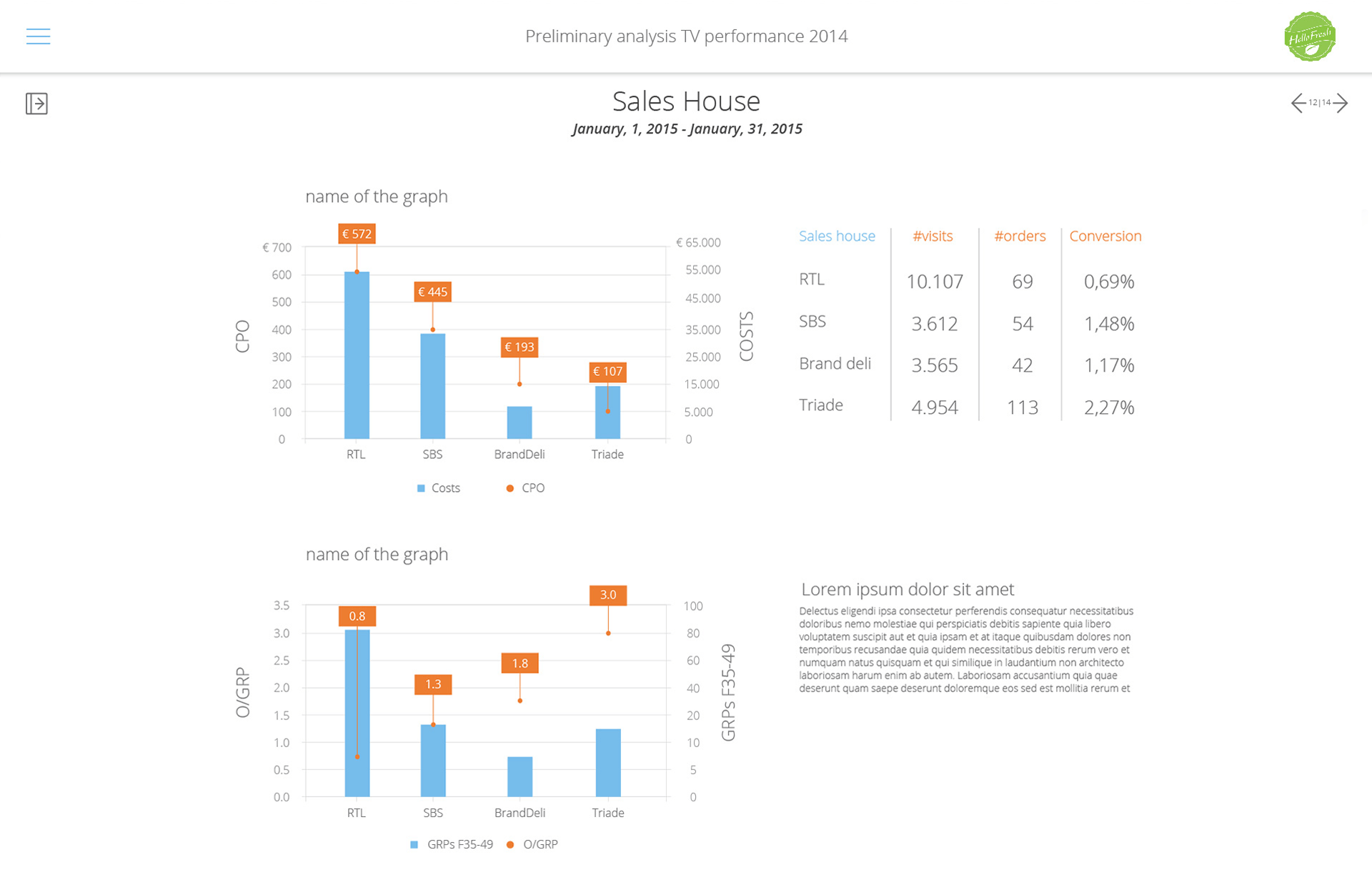
Create an online tool to generate the necessary graphs and data for their reports instantly.
Because each market has different broadcast schedule, networks, channels, commercial versions etc. we consider subsidiaries of the same company in different markets different companies. Each ‘company’ in the tool has its own data set and reports. Different brands/formulas owned by the same holding company are also considered different companies.
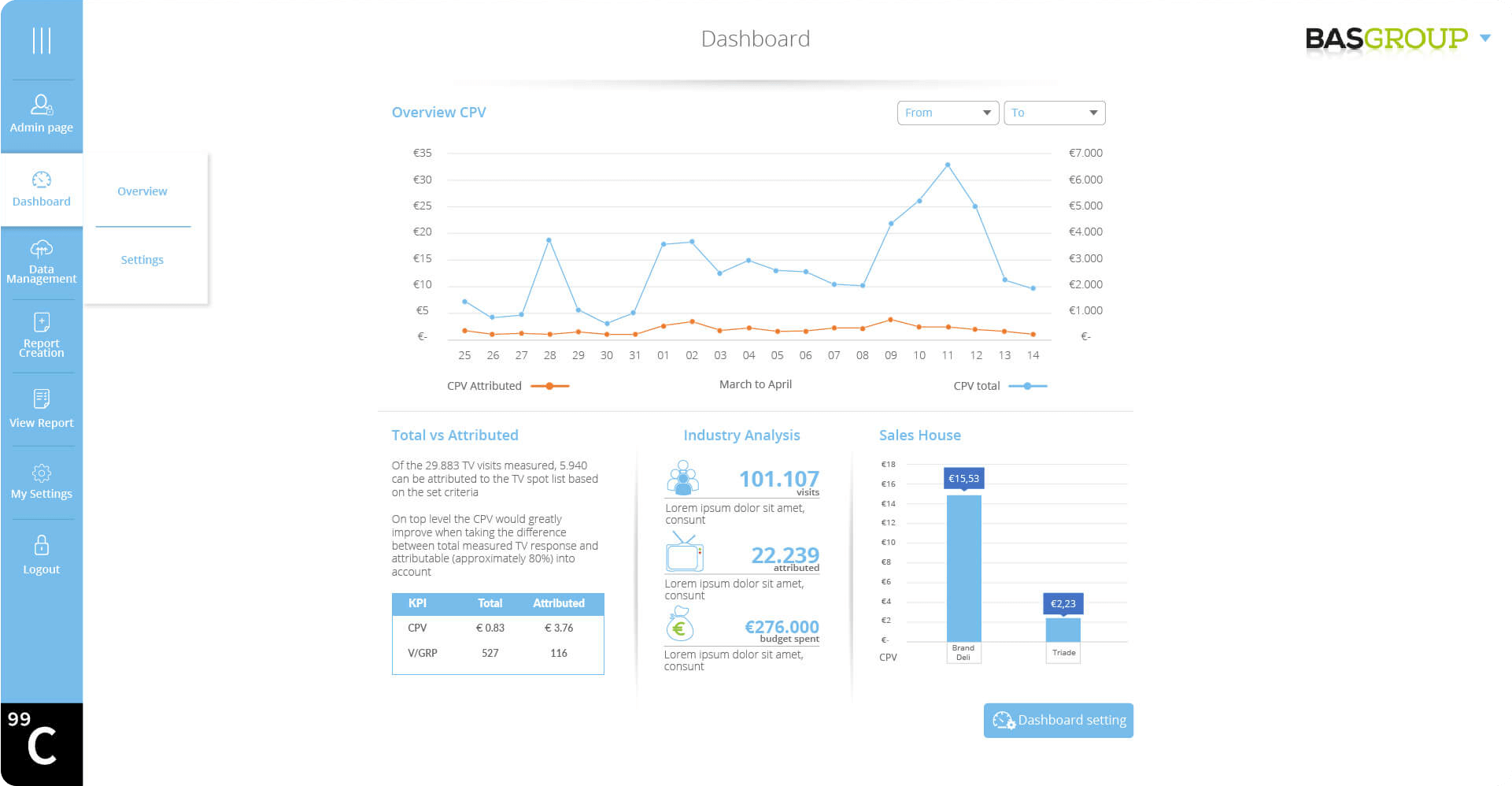
We need to be able to define what the client can see in the dashboard. For now we believe this will actually be a button in the reports section, not necessarily in a client detail screen. The reason is that there needs to be data for the dashboard to make sense. What we need to do regarding the dashboard is to define which elements are shown/hidden.

Design
We want to keep the screens as clean as possible and avoid numerous buttons and settings options that are not often used.
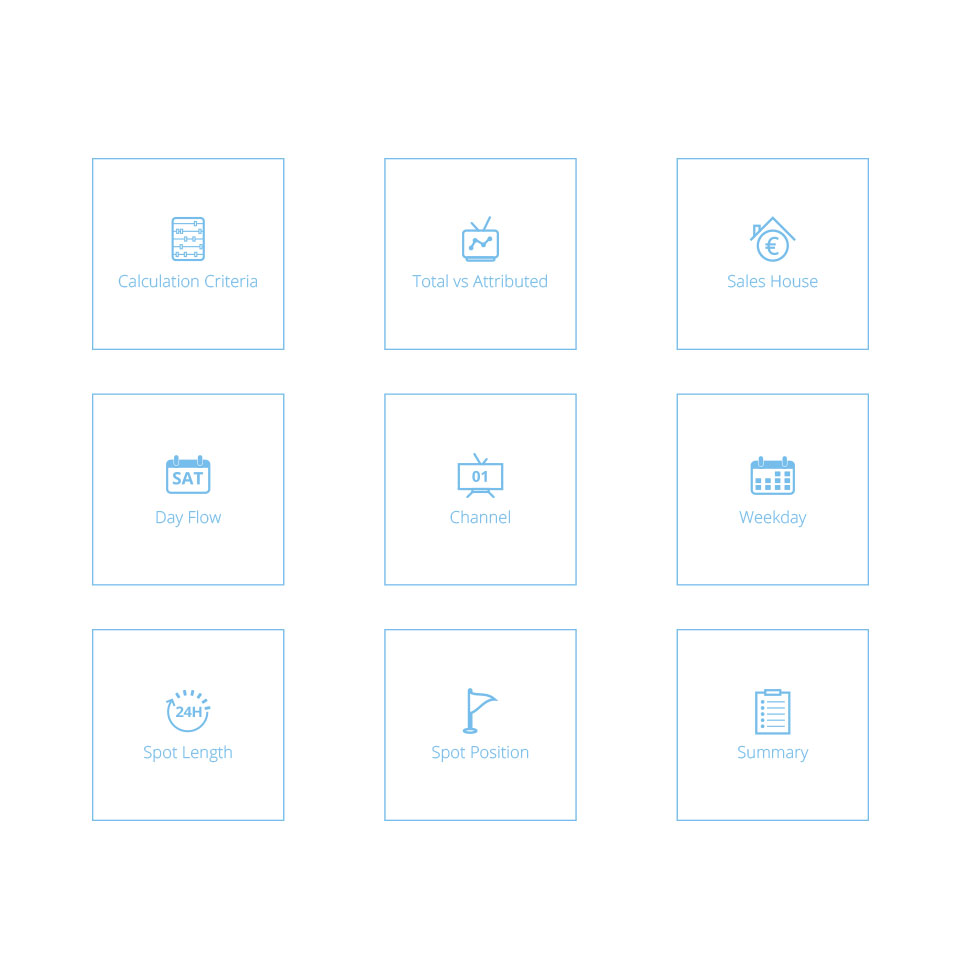
We prefer a system in which the users have to click to a landing page to choose the activity. Each activity can have a dedicated (set of) screens. In the screens there could also be a menu button that opens a menu layer with these types of options. For example: adding data to the database or creating a client login are different activities than creating a report. When we are creating a report we only see the buttons needed to create a report. The options to create users or add data are part of the hidden menu layer or are available through a landing page. Only the buttons for options to create a report are visible all the time.