
Vinova Care App

Client: Vinova
Services: Mobile App - iOS & Android

A Professional Healthcare App

Vinova customers have to deal with strong changes, which means that they will have to deliver healthcare smarter and more efficiently. How can the healthcare professional be supported in such a way that he always has the correct knowledge and information to be able to perform and justify his work?

A Professional Healthcare Guidance

By equipping the healthcare professional with a mobile device (smartphone / tablet) with a Vinova App, the healthcare professional must always have this important information with them.

Full Resources Data

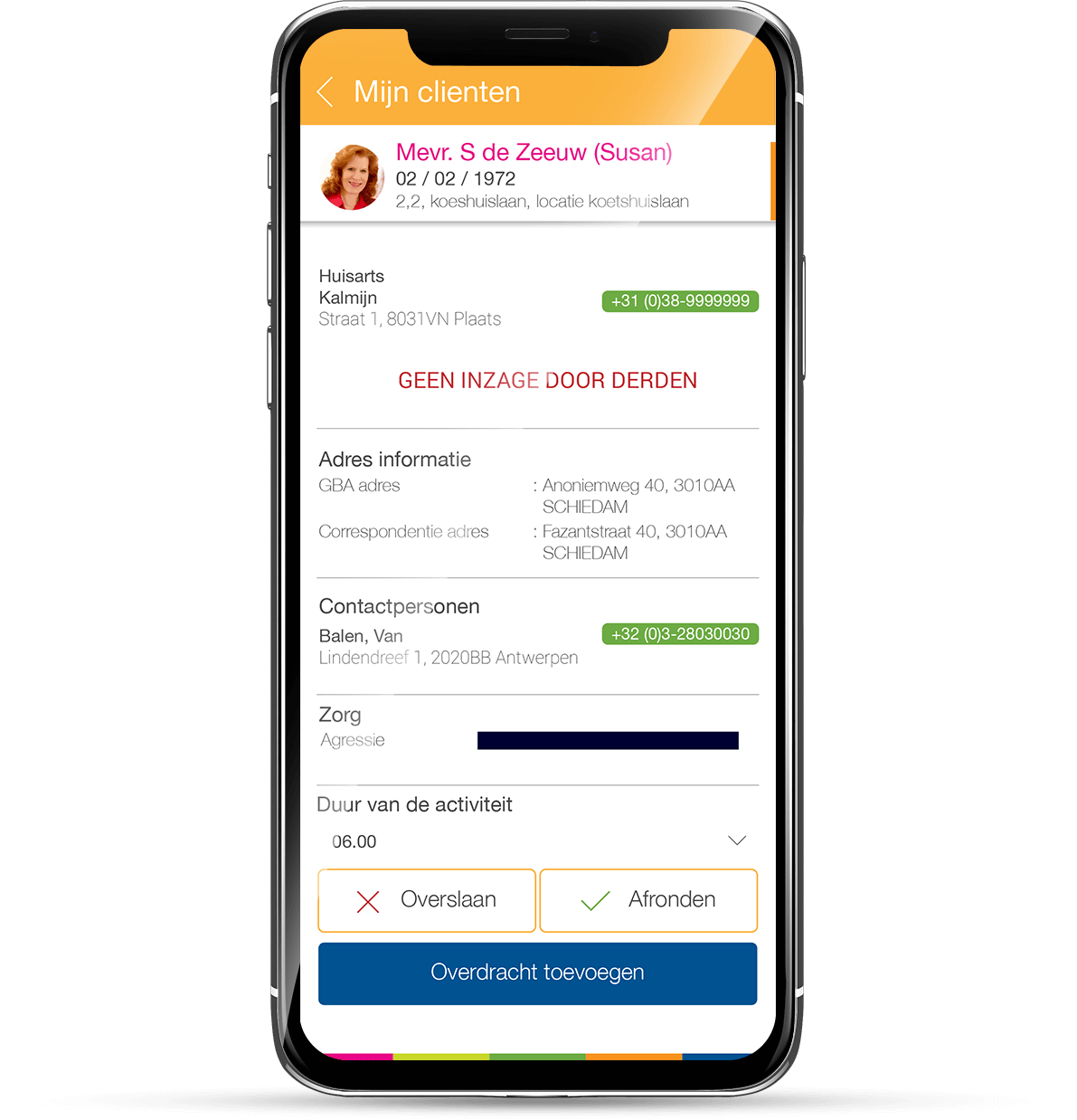
The app will provide all data about the client, like client identity, activities, medical schedule, last checkup data, doctor, healthcare knowledge, and others that helps caregivers to maintain their client healthcare.

Time Counter

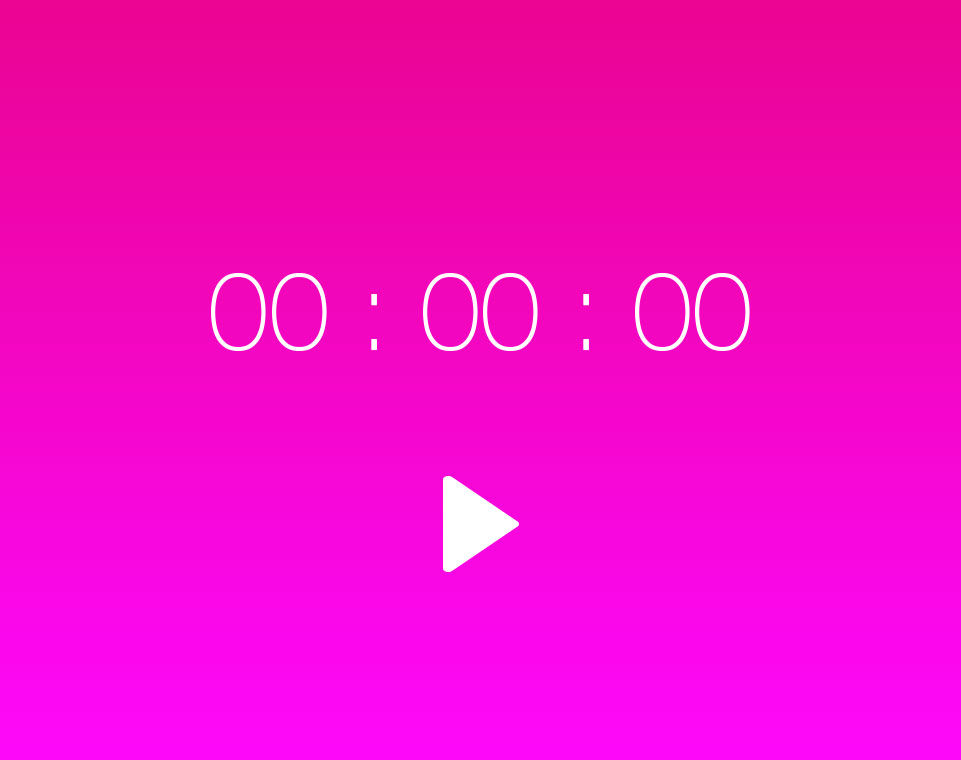
The screen utilize a service timer which will continue to run the timer even if the app is minimized or closed. The notification with progress bar is shown when app is minimized. The screen will also post the task done to the server in a certain amount of time.

Client List

At Client section will show the list of clients that are accounted with the users. User are also able to see the client’s information such as medical record, contact number, etc. Users are also able to add medical symptoms to the client.

Schedule List

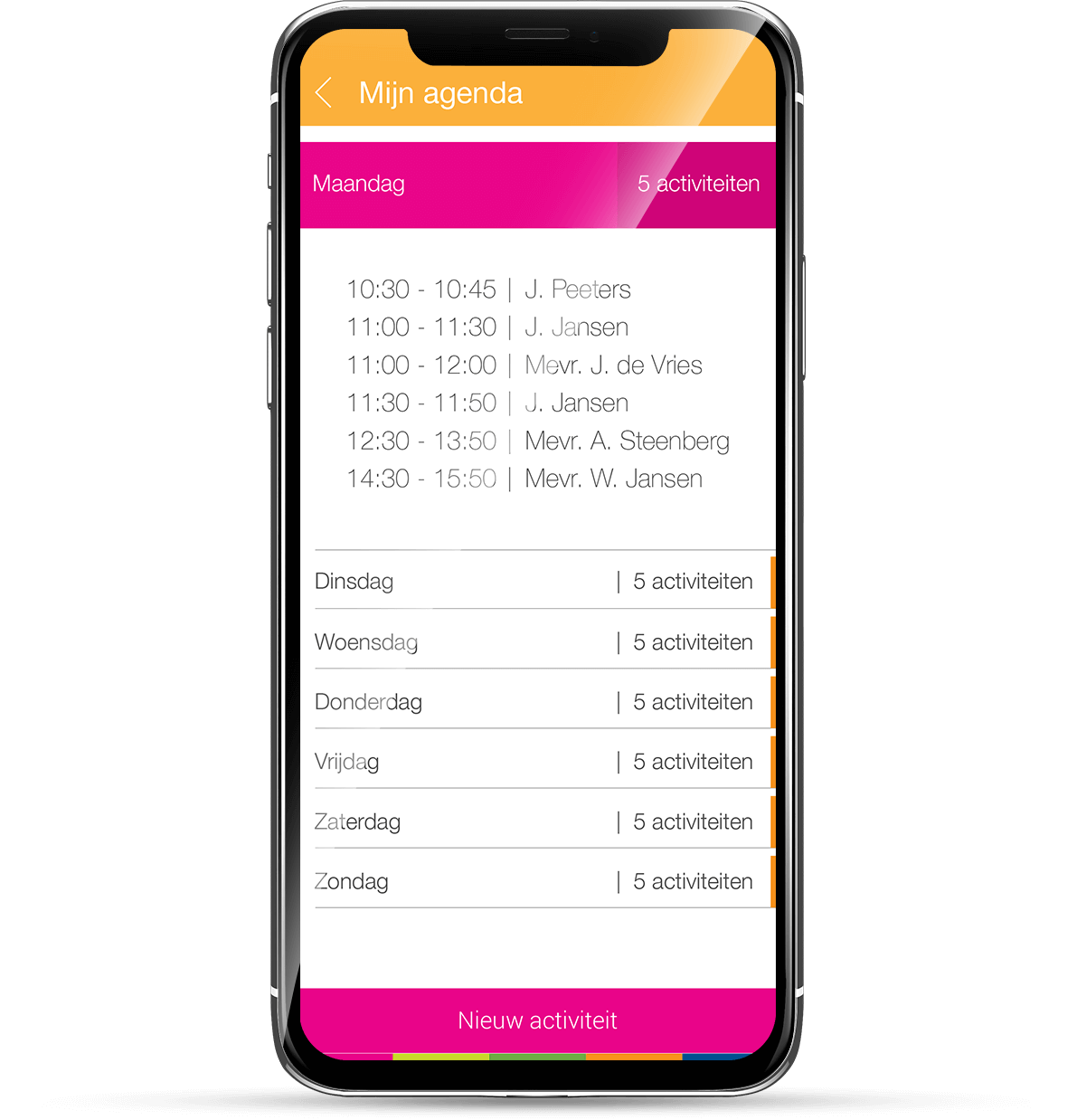
The screen shows the user’s today’s schedule. The list item from the schedule list can be swiped either way to show additional options to set the completion of the task (skipped or done). The bottom navigation is available for any screens except splash and login

If the user clicks on the calendar button, the schedule for the current week is shown. Weekly Schedule will show the schedule for one week, shown by a tabbed list.